Toolkit app for Samsung devices
Samsung Good Lock is a free utility application for mobile developed by Good Lock Labs. It is a collection of tools that were specially made for use with various Samsung devices. It offers all kinds of extra features and options that allow them to maximize the use of the company's smartphones and tablets.
Top Recommended Alternative

Much like Samsung Game Launcher and Samsung Smart Switch Mobile, Samsung Good Lock is another one of the company's value-added applications. It aims to enhance the user experience for its customers by providing extra features that they will find useful for their daily tasks and use.
Powerful toolkit
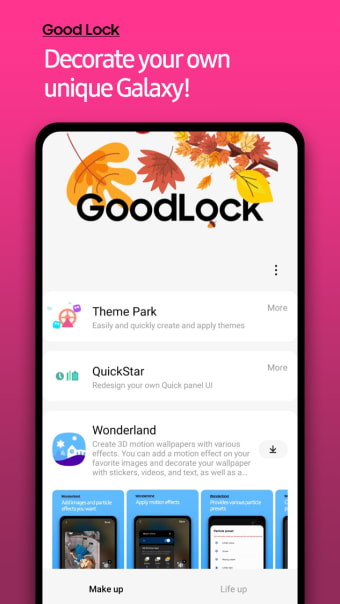
A simple way to look at the Samsung Good Lock app is it's basically a Swiss army multi-tool for the company's smartphones and tablets. It's an after-sales value-add that provides all sorts of additional options and functions on to add to the already feature-packed One UI interface running on top of the Android mobile operating system. Best of all, you can cherry-pick only the ones you want.
The way this app works is it employs modules which are essentially mini-apps that run in conjunction with One UI to enhance the capabilities of your devices in various ways. Some of the most popular and useful ones include the Camera Assistant which adds Auto HDR and Lens Switching options, Dropship that lets you create shareable links for any content, and many more to try out.
As mentioned earlier, the great thing about this app is that you can install only what you need and none that you don't, so you don't unnecessarily take up too much storage space. It should go without saying, this application is only compatible with Samsung devices. Even then, not all models are supported, hence check if yours is included in the list before diving in.
Simply a must-have
Put simply, if you own a supported Samsung smartphone or tablet, the Samsung Good Lock app is a must-have and you should install it as soon as you can. The number of ways it can help enhance the experience of using your devices is just too good to pass up. Give it a try now and see for yourself. Highly recommended.

.png)